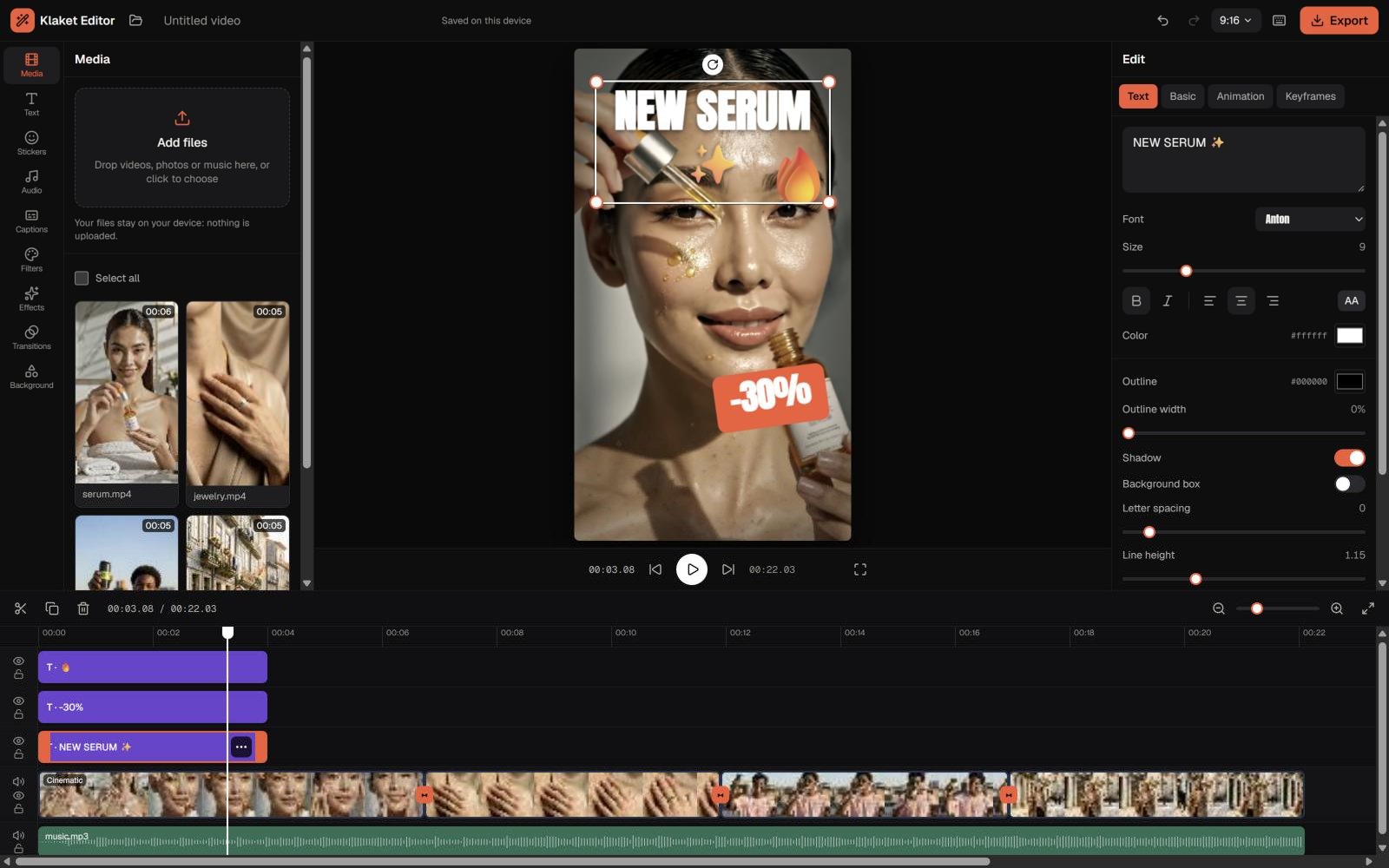
Klaket Editor · Translate video subtitles

Translate your video's subtitles, free and in sync.

Want people in other countries to understand your video? Klaket Editor listens to the speech, translates it sentence by sentence and places the captions on the original timing, so they stay in sync. English works in every browser; many other languages work in Chrome on a computer. Free, no watermark, nothing uploaded.

Opens instantly in your browser. No account, no download.

  • 100% free
  • Auto captions
  • No watermark
  • No sign-up
  • Green screen
  • 1080p free
  • Files stay on your device
Klaket Editor — Translate video subtitles

Why Klaket Editor

How to do it

  1. 1. Add your video

    Any video where someone speaks.

  2. 2. Set the two languages

    In Captions, choose the spoken language (or auto-detect) and, in Captions in, the language you want the captions in.

  3. 3. Generate captions

    The editor listens, translates and places the captions. It can replace captions you already had.

  4. 4. Export or download SRT

    Burn the translated captions into the MP4, or download an SRT file to upload to YouTube.

How the translation works

For English, the speech model (Whisper, running in your browser) translates directly while it listens. For any other target language, the editor first writes the captions in the spoken language, then Chrome's built-in translator translates each sentence on your device. Each language pair downloads once, and nothing is sent to a server. Without Chrome's translator (other browsers, or phones), non-English targets stay in the spoken language and the editor tells you.

Several languages for YouTube

YouTube lets you upload a subtitle file for each language. Generate captions in one language and download the SRT, then generate again in the next language and download that SRT too. Upload each one in YouTube Studio and viewers pick their language.

Check before you publish

Machine translation is a draft, not a professional translator. Read the translated captions, fix names, brand words and anything that sounds off, and keep sentences short when you record: short sentences translate and fit on screen better.

Everything in Klaket Editor

Klaket: the all-in-one AI platform

Klaket Editor is the free part of Klaket, an AI platform that puts everything a business or creator needs for video in one place.

Frequently asked questions

Which languages can I translate captions into?

English in every browser. Other languages depend on Chrome's built-in translator, which needs a computer with a recent Chrome. Without it, captions for non-English targets stay in the spoken language.

Can I translate subtitles on my phone?

Yes, into English. Other target languages need Chrome's built-in translator on a computer.

Does it translate the voice?

No. It translates the captions only; the original voice stays as it is.

Can I get the translated subtitles as a file?

Yes. Download the captions as an SRT file and upload it to YouTube or any player that supports subtitles.

Is Klaket Editor really free?

Yes. Editing and exporting in 360p, 480p, 720p and 1080p is free, with no watermark, no account and no trial period. Automatic captions are free too, with no per-minute fee. The only paid extras are 2K export ($5.99) and 4K export ($9.99, includes 2K), each a one-time purchase that stays on your account forever. No subscription.

What is Klaket?

Klaket is an all-in-one AI platform for businesses and creators. Besides the free Klaket Editor, it makes AI videos with the leading models (Kling, Seedance, Grok Imagine, Wan, PixVerse), swaps the person, object, outfit or background in your own videos, makes AI influencers and talking avatars, AI images, social media posts, landing pages, AI music (Klaket Music) and done-for-you video ads for brands (Klaket Studio).

Another question? Email klaket.support@gmail.com

Lights, camera, product.

Your next campaign starts with one photo.

Create account

Videos, posts and landing pages in one place. Creating your account is free; to generate, choose a credit pack from $7 or a plan.