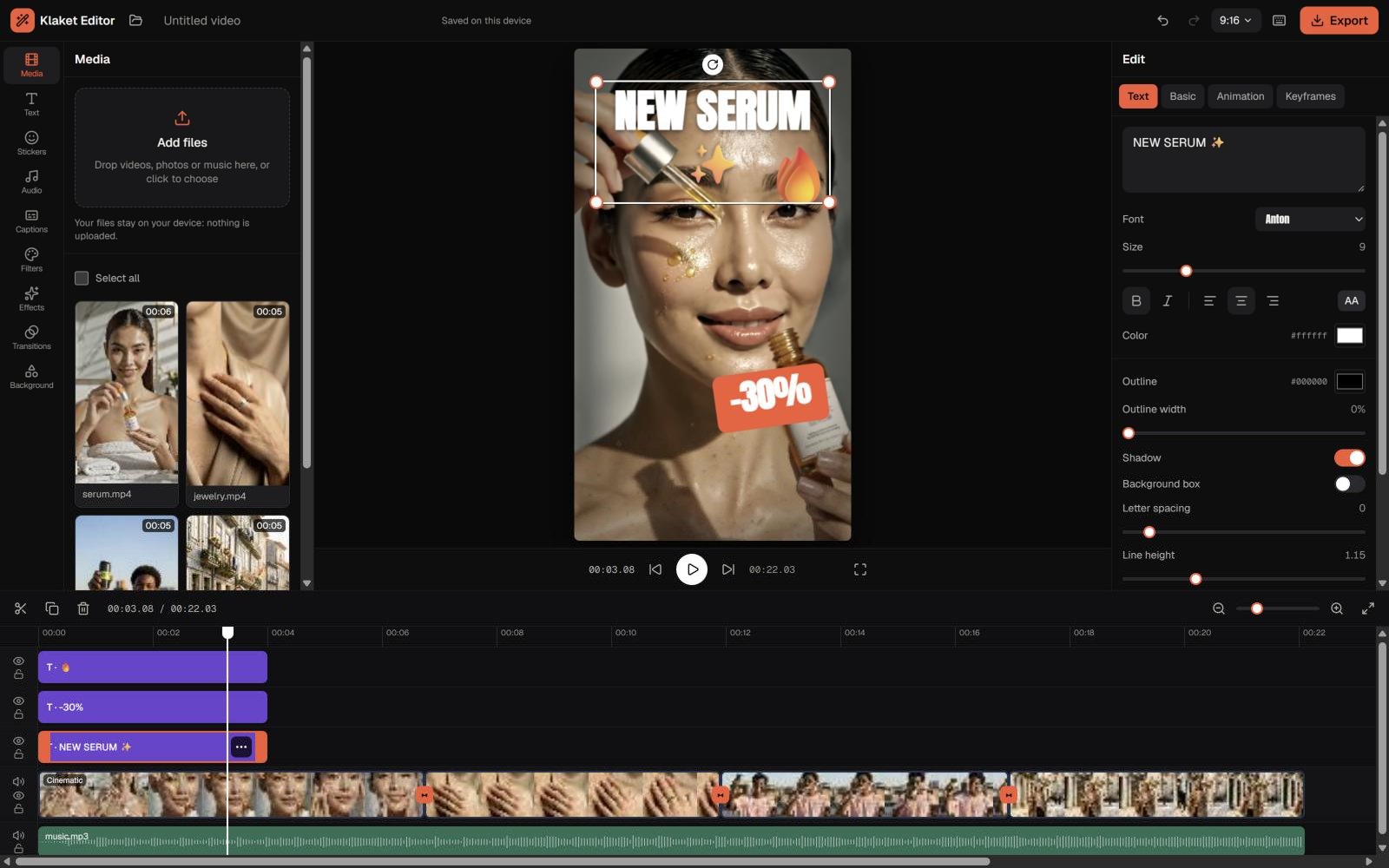
Klaket Editor · Japanese subtitle generator

Automatic Japanese subtitles, wrapped the right way.

Japanese is written without spaces between words, which breaks a lot of caption tools: lines run off the screen or never wrap. Klaket Editor writes Japanese captions in kanji and kana from the speech in your video, and splits long lines by characters so they wrap cleanly. Free, no watermark, nothing uploaded.

Opens instantly in your browser. No account, no download.

  • 100% free
  • Auto captions
  • No watermark
  • No sign-up
  • Green screen
  • 1080p free
  • Files stay on your device
Klaket Editor — Japanese subtitle generator

Why Klaket Editor

How to do it

  1. 1. Add your video

    A vlog, a cooking video, a product review, a class.

  2. 2. Select Japanese

    In Captions, choose Japanese as the spoken language and a style.

  3. 3. Check the kanji

    Names and homophones can come out with the wrong kanji. Click a caption to fix it.

  4. 4. Export

    Burn the captions into a 1080p MP4 for free, or download an SRT.

Why Japanese captions need special handling

Most caption tools break lines at spaces. Japanese has none, so a long sentence becomes one endless line. Klaket Editor splits Japanese text by characters, so long captions wrap onto the next line instead of running off a 9:16 screen.

Homophones and names

Japanese has many words that sound the same but use different kanji, and personal or shop names can be written in several ways. The model picks the most likely spelling. Read through the captions and fix names before you export.

For learners and global fans

Videos in Japanese can reach a big international audience with English captions. Set Captions in to English and the Japanese speech becomes English captions, in every browser. Other target languages use Chrome's built-in translator on a computer.

Everything in Klaket Editor

Klaket: the all-in-one AI platform

Klaket Editor is the free part of Klaket, an AI platform that puts everything a business or creator needs for video in one place.

Frequently asked questions

Will long Japanese captions fit on the screen?

Yes. Because Japanese has no spaces, the editor splits long lines by characters so they wrap. You can also resize the caption or make the text smaller.

Can I make English subtitles from a Japanese video?

Yes, in every browser: set Captions in to English.

Can I edit the captions?

Yes. Every caption is a normal text clip: fix the kanji, change the size, colour and timing, or download an SRT.

Do I need to download anything?

Only the speech model, the first time: about 80 MB for Fast or about 250 MB for More accurate. It stays in your browser for next time. More accurate is the default on computers; Fast is the default on phones.

Is Klaket Editor really free?

Yes. Editing and exporting in 360p, 480p, 720p and 1080p is free, with no watermark, no account and no trial period. Automatic captions are free too, with no per-minute fee. The only paid extras are 2K export ($5.99) and 4K export ($9.99, includes 2K), each a one-time purchase that stays on your account forever. No subscription.

What is Klaket?

Klaket is an all-in-one AI platform for businesses and creators. Besides the free Klaket Editor, it makes AI videos with the leading models (Kling, Seedance, Grok Imagine, Wan, PixVerse), swaps the person, object, outfit or background in your own videos, makes AI influencers and talking avatars, AI images, social media posts, landing pages, AI music (Klaket Music) and done-for-you video ads for brands (Klaket Studio).

Another question? Email klaket.support@gmail.com

Lights, camera, product.

Your next campaign starts with one photo.

Create account

Videos, posts and landing pages in one place. Creating your account is free; to generate, choose a credit pack from $7 or a plan.