Klaket Editor · Arabic subtitle generator

Arabic subtitles from speech, automatic and free.

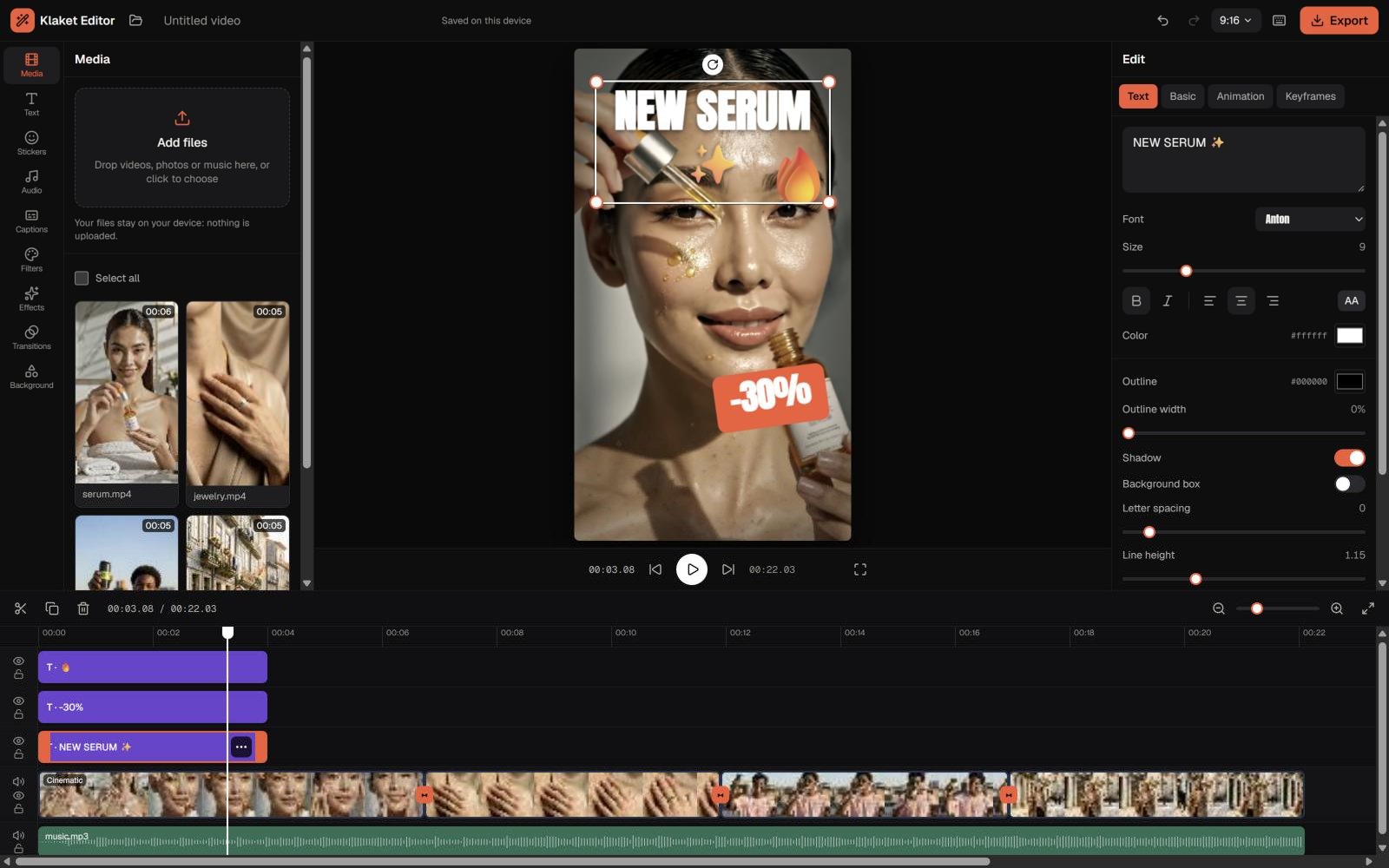
Klaket Editor listens to the Arabic in your video and writes right-to-left captions, timed word by word. It's made for creators, stores and brands speaking to Saudi Arabia, the UAE, the Gulf, Egypt and the rest of the Arab world. Edit any word, choose a style and export. Free, no watermark, nothing uploaded.

Opens instantly in your browser. No account, no download.

  • 100% free
  • Auto captions
  • No watermark
  • No sign-up
  • Green screen
  • 1080p free
  • Files stay on your device
Klaket Editor — Arabic subtitle generator

Why Klaket Editor

How to do it

  1. 1. Add your video

    A product video, an unboxing, a talk, a Reel.

  2. 2. Select Arabic

    In Captions, choose Arabic as the spoken language and a style.

  3. 3. Review

    Fix any word with a click. Check lines that mix Arabic with English words or numbers.

  4. 4. Export

    Burn the captions into a 1080p MP4 for free, or download an SRT.

Modern Standard Arabic and dialects

The model writes in Arabic script and does best with clear Modern Standard Arabic. Gulf, Saudi, Egyptian or Levantine dialect also works, but it may be written closer to standard spelling or misheard in places. Choose Arabic instead of auto-detect and use More accurate on a computer for the best result.

Mixed Arabic and English

Gulf creators often drop English brand names, prices and numbers into Arabic speech. In right-to-left text, those Latin words and numbers can land in a surprising order inside a line. Check those captions and edit or split them if needed.

Selling across the Gulf and beyond

Arabic captions for local viewers, English captions for expats and international customers: with Captions in set to English, the same Arabic video gets English captions in every browser. Other target languages use Chrome's built-in translator on a computer.

Everything in Klaket Editor

Klaket: the all-in-one AI platform

Klaket Editor is the free part of Klaket, an AI platform that puts everything a business or creator needs for video in one place.

Frequently asked questions

Are the captions right to left?

Yes. They are written in Arabic script, right to left. Lines that mix in English words or numbers are worth a quick check.

Does it understand Saudi or Gulf dialect?

Often, yes, but the model is strongest on Modern Standard Arabic. Dialect words can be misheard or written in a more standard form, so review before exporting.

Can I add Arabic subtitles to an English video?

Yes, in a recent Chrome on a computer: set Captions in to Arabic and Chrome's built-in translator translates each sentence on your device. On phones and other browsers, only English translation is available.

Is my video uploaded to make the captions?

No. The speech model runs in your browser, so your video and its sound never leave your device. Only the model itself is downloaded, once.

Is Klaket Editor really free?

Yes. Editing and exporting in 360p, 480p, 720p and 1080p is free, with no watermark, no account and no trial period. Automatic captions are free too, with no per-minute fee. The only paid extras are 2K export ($5.99) and 4K export ($9.99, includes 2K), each a one-time purchase that stays on your account forever. No subscription.

What is Klaket?

Klaket is an all-in-one AI platform for businesses and creators. Besides the free Klaket Editor, it makes AI videos with the leading models (Kling, Seedance, Grok Imagine, Wan, PixVerse), swaps the person, object, outfit or background in your own videos, makes AI influencers and talking avatars, AI images, social media posts, landing pages, AI music (Klaket Music) and done-for-you video ads for brands (Klaket Studio).

Another question? Email klaket.support@gmail.com

Lights, camera, product.

Your next campaign starts with one photo.

Create account

Videos, posts and landing pages in one place. Creating your account is free; to generate, choose a credit pack from $7 or a plan.